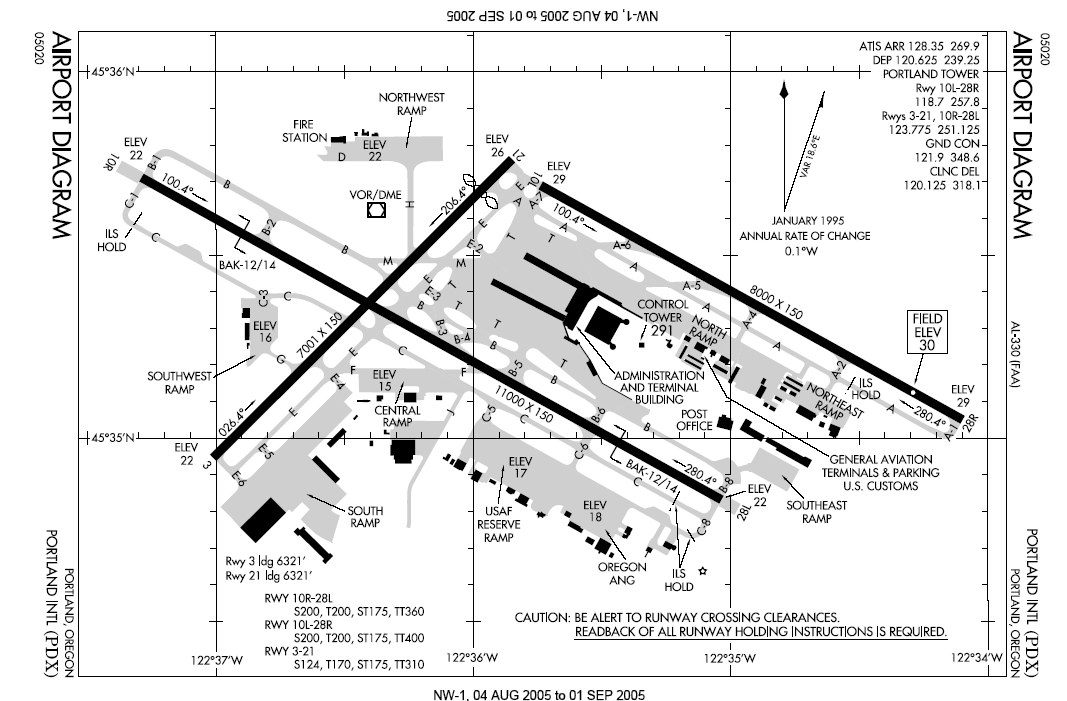
This week, I added many usability improvements to the editor to get it ready for creating airports for the real game. Mainly, this was a bunch of small improvements rather than one big feature. The largest feature that was implemented was support for loading existing levels.
- Support for dragging existing runways around after they are created
- A better system for snapping runways
- The ability to snap waypoints to be colinear with any runway
- A scale guide in the bottom left hand corner (1px=50m)
- Solving a bug in which all of the airport coordinates would be inverted between the editor and the game
Loading Airports
Loading airports was relatively easy, since they are stored as JSON with very similar structure to that used internally by the editor. The main issue was that, in order to solve the level inversion bug, levels are stored upside down. Because of this, a level would be loaded upside down. I solved this by running the inverse of the transform used for saving.
Next Week: Autopilot
Next week, I plan on implementing the landing autopilot. Liam has a system set up that will determine whether it is possible to land from a particular position, but this system does not actually land the planes yet. The problem is that there are infinite solutions for landing on a runway given a particular position.
This hypothetical system needs to, given a plane within 10 degrees of being colinear with the runway and a heading of within 10 degrees of being parallel with the runway, find a set of commands which will bring it into being both perfectly parallel and perfectly colinear.
In order to think about this problem, I am first solving the simplified case: the plane is parallel with the runway but not colinear. In addition, the plane has to be far enough away that it does not have to slow down while making the turn. In this situation, the best solution is to turn away from parallel until you are halfway to being colinear. After that, it needs to turn back. This will form an S-shaped curve which brings it into the correct position and direction.
In a situation in which the plane is not parallel, already colinear, or close enough to slow down, things get much harder. Instead of making a simple S-curve, you might have to make a more complex turn to line up which includes overshooting for a little bit before turning back. Things get even worse when you have to slow down. This will probably involve a lot of calculus. Yay!